Desk Dimensions Guide: Height, Depth, Width and Monitor Distance
Six measurements decide whether a desk works. Take them before you buy, because depth and clearance are the ones people regret.
4 min read
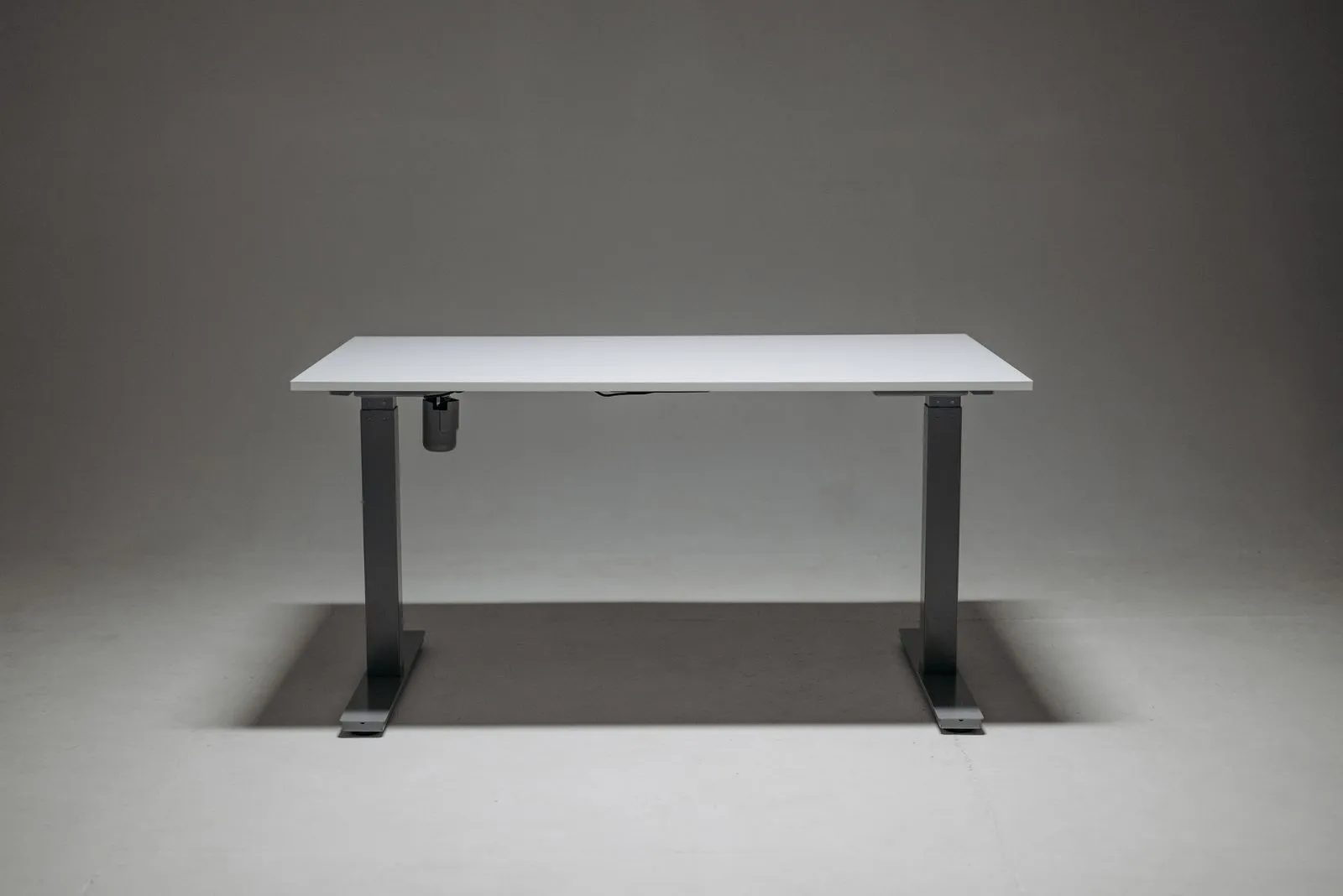
- Standard desk height (28–30 in)
- 72–76 cm
- Comfortable depth for a monitor (30–31 in)
- 75–80 cm
- Clear floor behind the desk (36 in)
- 90 cm
- Width for a monitor, keyboard and mouse (47 in)
- 120 cm
Most desk problems are measurement problems. The desk is a few centimetres too tall, too shallow for the screen, or jammed so close to the bed that the chair can’t come out. None of that shows up in a product photo.
Here are the numbers that matter, in the order worth checking them: height, depth, screen distance, screen height, width, and the space behind you.
Desk height is set by your elbows, not the desk
Standard desks sit at 72–76 cm (28–30 in). That range was built around a fairly tall person, so a lot of people are working at a desk that’s a little high for them.
The check takes ten seconds. Sit with your feet flat, shoulders relaxed and elbows bent to about 90 degrees. The desktop, or more precisely the keyboard, should land at elbow height. If your forearms slope up to reach the keys, the desk is too tall.
| Your height | Rough seated desk height |
|---|---|
| 163 cm (5 ft 4 in) | about 66 cm (26 in) |
| 170 cm (5 ft 7 in) | about 69 cm (27 in) |
| 178 cm (5 ft 10 in) | about 71 cm (28 in) |
| 185 cm (6 ft 1 in) | about 74 cm (29 in) |
| 191 cm (6 ft 3 in) | about 76 cm (30 in) |
Treat these as a starting point. Leg length and chair height move them a couple of centimetres either way. If the desk is fixed and too tall, raise the chair until your elbows line up, then add a footrest so your feet aren’t dangling. A keyboard tray that sits below the desktop is the other fix, though it eats knee room.
Depth is the number people regret
Width gets all the attention. Depth is what decides whether a monitor is comfortable.
- 60 cm (24 in) is the practical minimum. It fits a laptop and a mouse with a little room in front.
- 75–80 cm (30–31 in) puts a monitor at roughly arm’s length with the keyboard in front of it. That’s where most people end up wanting it.
A shallow desk forces the screen too close, and a bigger screen makes that worse. A monitor arm buys back 10–15 cm by pushing the screen past the back edge, but only if the desk isn’t against a wall.
How far to sit from the screen
Bigger screens need more distance so you can take in the whole panel without turning your head. These ranges are the commonly published ones for 16:9 monitors.
| Screen size | Viewing distance |
|---|---|
| 24 in | 60–80 cm (24–31 in) |
| 27 in | 70–90 cm (28–35 in) |
| 32 in | 80–100 cm (31–39 in) |
Measure your desk depth before you size up. A 32-inch screen on a 60 cm desk is a neck workout.
Put the top of the screen at eye level
Sit up, look straight ahead, and your eyes should meet the top edge of the screen or land just below it. Any higher and your chin lifts to read the top line. Much lower and you hunch.
If it’s too low, lift it on a riser or a stack of books until it lines up. Laptops can’t get there on their own: the screen and keyboard are joined, so you need a stand for the laptop and a separate keyboard and mouse. People who wear progressive lenses often prefer the screen a little lower still, since they read through the bottom of the lens.
One big monitor or two, and how wide the desk has to be
| Setup | Screen width | Desk width to aim for |
|---|---|---|
| One 27 in, 16:9 | about 61 cm (24 in) | 100 cm (40 in) or more |
| One 34 in ultrawide | about 80 cm (31 in) | 120 cm (47 in) or more |
| Two 24 in side by side | about 110 cm (43 in) | 140 cm (55 in) or more |
A 34-inch ultrawide gives one unbroken screen with no bezel down the middle. Two 24-inch monitors split work cleanly, often cost less, and let you turn one vertical. The desk widths above leave room for speakers, a lamp or just elbow space at each end. Screen widths vary a little by bezel and stand, so check the listed width of the actual model.
Leave 90 cm behind the desk
Measure from the front edge of the desk to the wall, bed or bookcase behind you. About 90 cm (36 in) lets you pull the chair out and stand up without scraping anything.
Under 75 cm (30 in), the chair starts hitting the wall every time you get up. An armless or folding chair helps there, since arms are usually what catches. Check the door swing too. A door that clips the chair back will get annoying by the second day.
Writing desk or computer desk
A desk under 110 cm (43 in) wide is plenty for a laptop, a lamp and a pen or two. It fits a small room and doesn’t dominate it.
Add a monitor, a full-size keyboard (about 44 cm, 17 in, wide) and a mouse, and 120 cm (47 in) is where it stops feeling cramped. The honest tradeoff: a wider desk in a small room often costs you the 90 cm behind it. Measure what’s going on the desk before you measure the wall, and work out the clearance before either.
The short version
- Desktop at elbow height when seated; standard 72–76 cm (28–30 in) suits taller people.
- 60 cm (24 in) deep is the floor; 75–80 cm (30–31 in) is comfortable with a monitor.
- Sit 60–80 cm from a 24 in screen, 70–90 cm from a 27 in, 80–100 cm from a 32 in.
- Top of the screen at or just below eye level.
- Leave about 90 cm (36 in) behind the desk to get up without scraping.