Small Desk Layout: Placement, Shelves, Pegboards and Desk Mats
On a small desk, the fix is getting things off the surface, not buying a bigger desk. Here's where everything goes and how high.
4 min read
- Shelf height above the desktop (15–20 in)
- 38–50 cm
- Pegboard bottom edge above the desk (6–10 in)
- 15–25 cm
- Desk mat for a keyboard and mouse (35×16 in)
- 900×400 mm
- Wall length each side for a corner desk (47 in)
- 120 cm
A small desk rarely needs to be bigger. It needs less sitting on it. The monitor stand, the lamp base, the headphones and the charger are the usual suspects, and all of them can go up, under or to the side.
Start with where the desk goes, then work up the wall.
Corner desk or straight desk
A corner or L-shaped desk turns a dead corner into two work zones, say a computer side and a hands-on side for repairs or a second laptop. It needs about 120 cm (47 in) along each wall, and it’s hard to move later.
| Corner / L-shaped | Straight | |
|---|---|---|
| Wall space | About 120 cm (47 in) on each of two walls | One wall |
| Work zones | Two | One |
| Fits | Rooms with a spare corner | Almost any room |
| Moving it later | Awkward; often needs taking apart | Easy |
| Screen setup | Good for two monitors at an angle | Plenty for one screen |
Measure both walls before you choose. The tradeoff people miss: the inside corner of an L is hard to reach and tends to collect clutter.
Put the desk side-on to a window
Facing a window means squinting past the screen into daylight. Backing onto it throws glare across the monitor. Put the desk side-on, with the window to your left or right, and you get the daylight without either problem. It costs nothing, which makes it the best layout fix on this page.
Monitor riser or monitor arm
Both lift the screen. They solve different problems.
A riser is a shelf. It lifts the screen and leaves room underneath for a keyboard when you’re not using it, small speakers or a dock. No tools, works on any desk.
A monitor arm clears the desk entirely and lets the screen move. It needs two things: a desk edge thick and solid enough to clamp to, and a VESA mount on the back of the monitor (75×75 or 100×100 mm are the common patterns). Check the arm’s weight rating against the monitor too. Glass tops and thin particleboard are where arms go wrong.
How high to hang a shelf above a desk
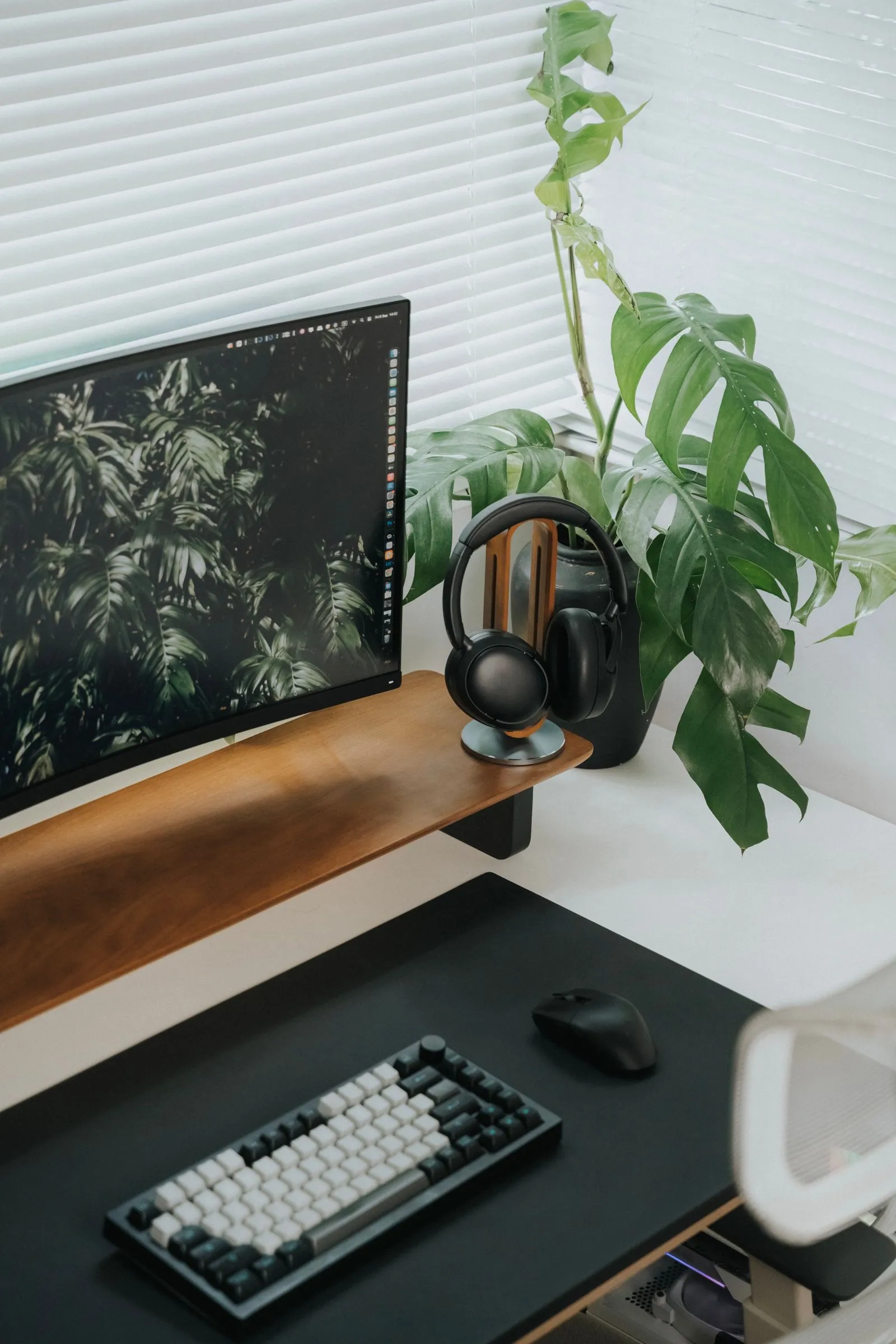
- Height: 38–50 cm (15–20 in) above the desktop.
- Clearance: clear the top of the monitor by about 10 cm (4 in).
- Depth: 20–25 cm (8–10 in), no deeper, or it looms over your head.
- Fixing: screw into studs, or anchors rated for the load.
Measure the monitor at its highest position before you drill. It’s easy to hang a shelf at the perfect height and then raise the screen.
4 checks before hanging a pegboard
- Gap. Leave 1–2 cm (about 1/2 to 3/4 in) behind the board, or the hooks won’t seat. Spacers or a frame handle this.
- Studs. Screw into studs, or anchors rated for the load. A loaded pegboard is heavier than it looks.
- Hooks. Buy hooks for your hole shape, round or slotted. They don’t swap.
- Height. Keep the bottom edge 15–25 cm (6–10 in) above the desk so a lamp still fits underneath.
Headphone stand or hook
If you use them every day, a stand keeps them in reach and off the desk surface. If they’re occasional, an under-desk hook clears the desk completely and costs almost nothing. Either beats dropping them next to the keyboard. Check a clamp-on hook’s clamp range against your desk thickness, same as an arm.
Desk mat size and surface
Mats come in three common sizes.
| Size | Dimensions | Covers |
|---|---|---|
| Mouse pad | about 23×20 cm (9×8 in) | Mouse only |
| Keyboard and mouse | 900×400 mm (35×16 in) | The size most people want |
| Full desk | 1200×600 mm (47×24 in) | Most of a 120 cm desk |
Measure your keyboard width and add about 30 cm (12 in) for the mouse before you pick.
Cloth or hard? A cloth mat is quiet under a keyboard, grips the desk so nothing shifts, and goes in the wash, though it soaks up spills. A hard mat glides faster under a mouse and wipes clean in seconds, but it can sound harsh under typing and slide on a smooth desk. For both on one mat, cloth is the safer pick.
4 ways to free up desk space
- Put the monitor on a clamp arm. The stand’s footprint disappears.
- Hang a shelf above the desk, not beside it. Beside takes floor or wall you need for the chair.
- Clamp the lamp to the edge. A lamp base is a surprising amount of desk.
- Stand the laptop up when docked. A vertical stand takes a sliver of the space.
Check your desktop is thick and solid enough to clamp before buying any of the clamp-on options.
The short version
- Put the desk side-on to the window.
- Corner desks need about 120 cm (47 in) on each wall; straight desks fit more rooms.
- Shelf 38–50 cm above the desk, 20–25 cm deep; pegboard bottom 15–25 cm above.
- 900×400 mm (35×16 in) is the desk mat size most people want.
- Get things up, under or clamped before you think about a bigger desk.