
4 min read
How to Clean a Mechanical Keyboard Without Wrecking It
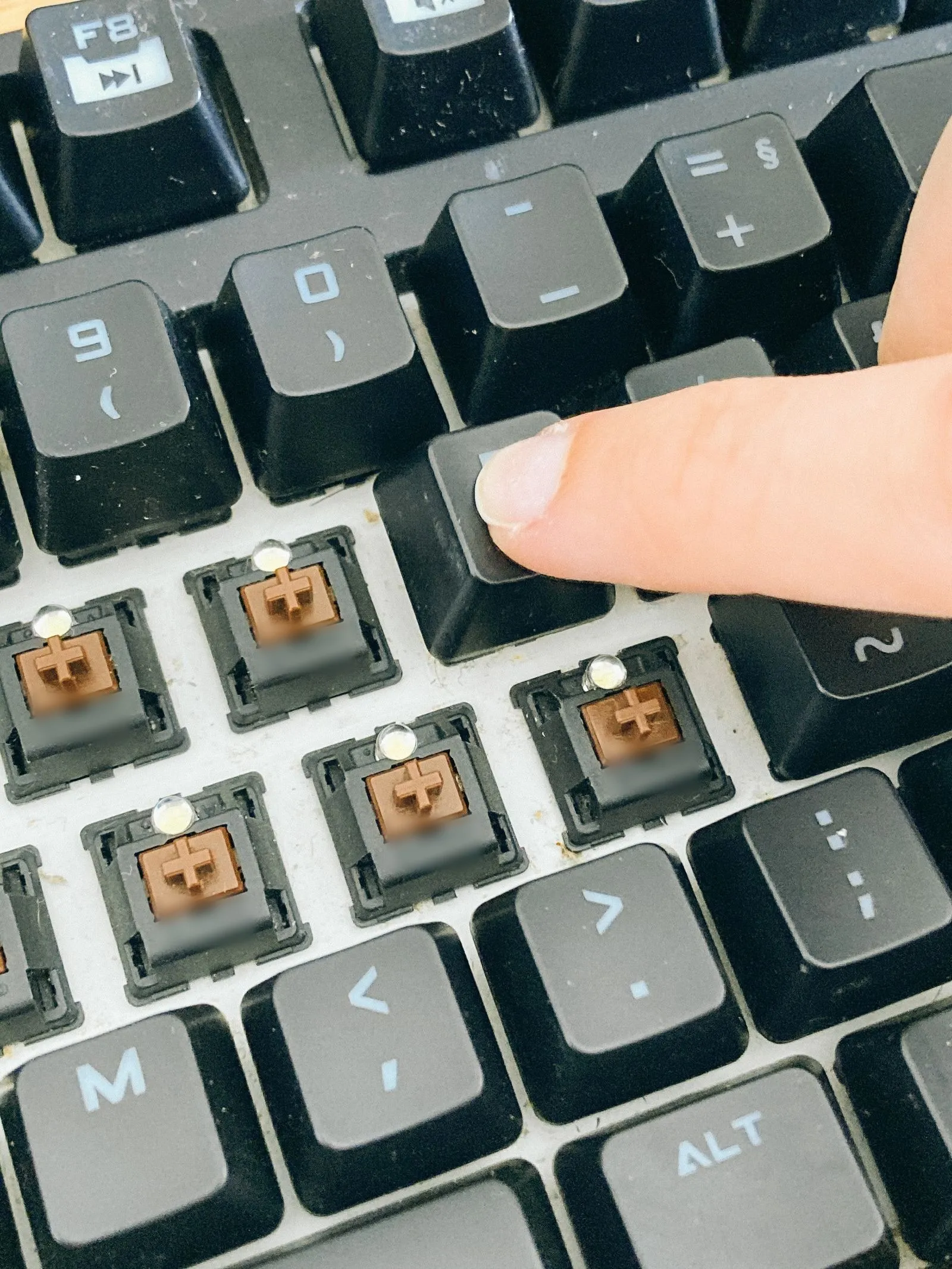
A keyboard collects a year of dust, crumbs and skin oil. Cleaning it is an afternoon of waiting and about twenty minutes of work.
Subject
A keyboard is three decisions stacked, and doing them in the wrong order is what costs people money.
A keyboard collects a year of dust, crumbs and skin oil. Cleaning it is an afternoon of waiting and about twenty minutes of work.
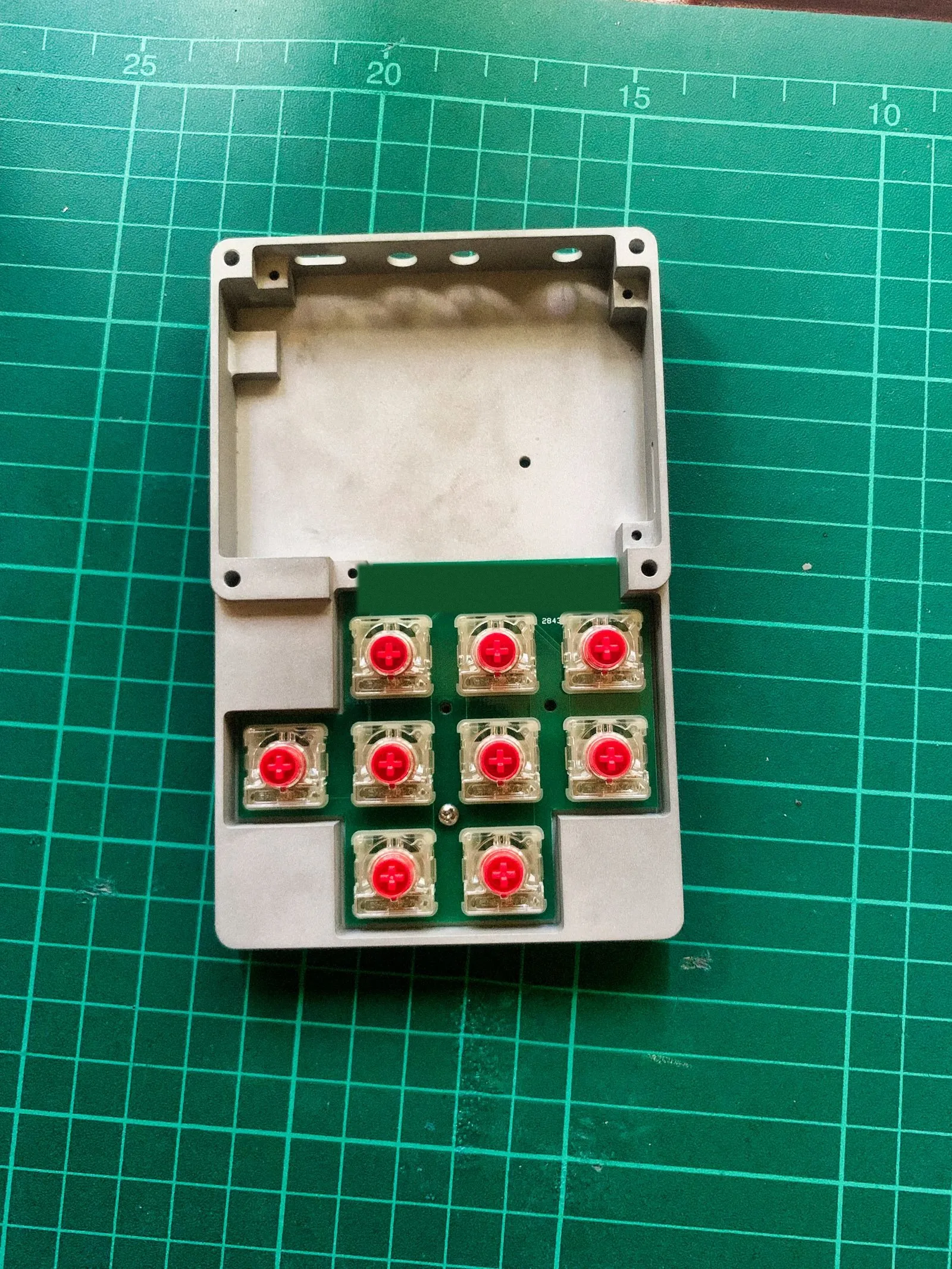
Four cheap mods sit between a hollow, pingy board and one that sounds solid. Each changes a different part of the noise.
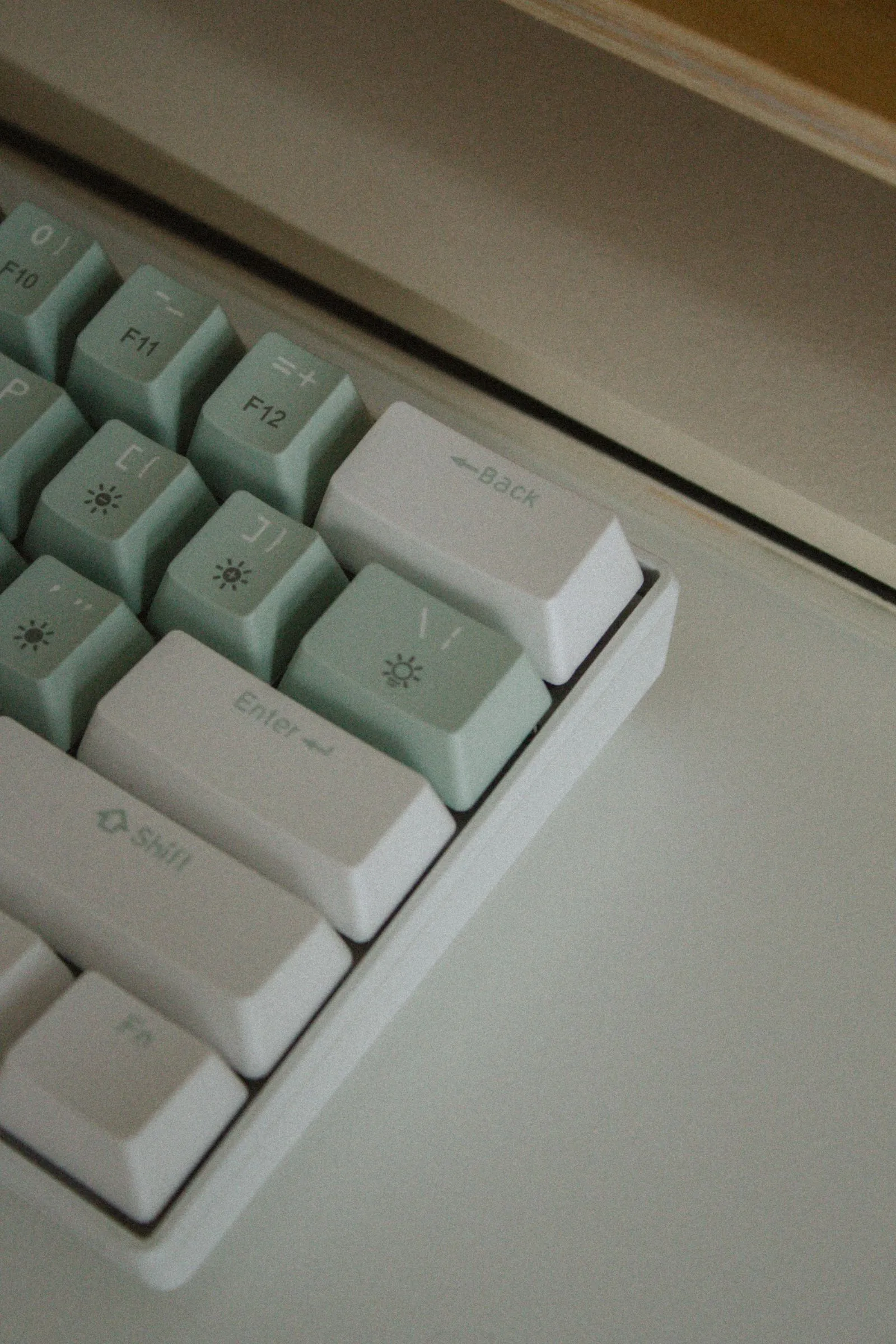
Most keycap regret comes from one thing: a set that doesn't cover your bottom row. Here's what to check, from plastic to spacebar.
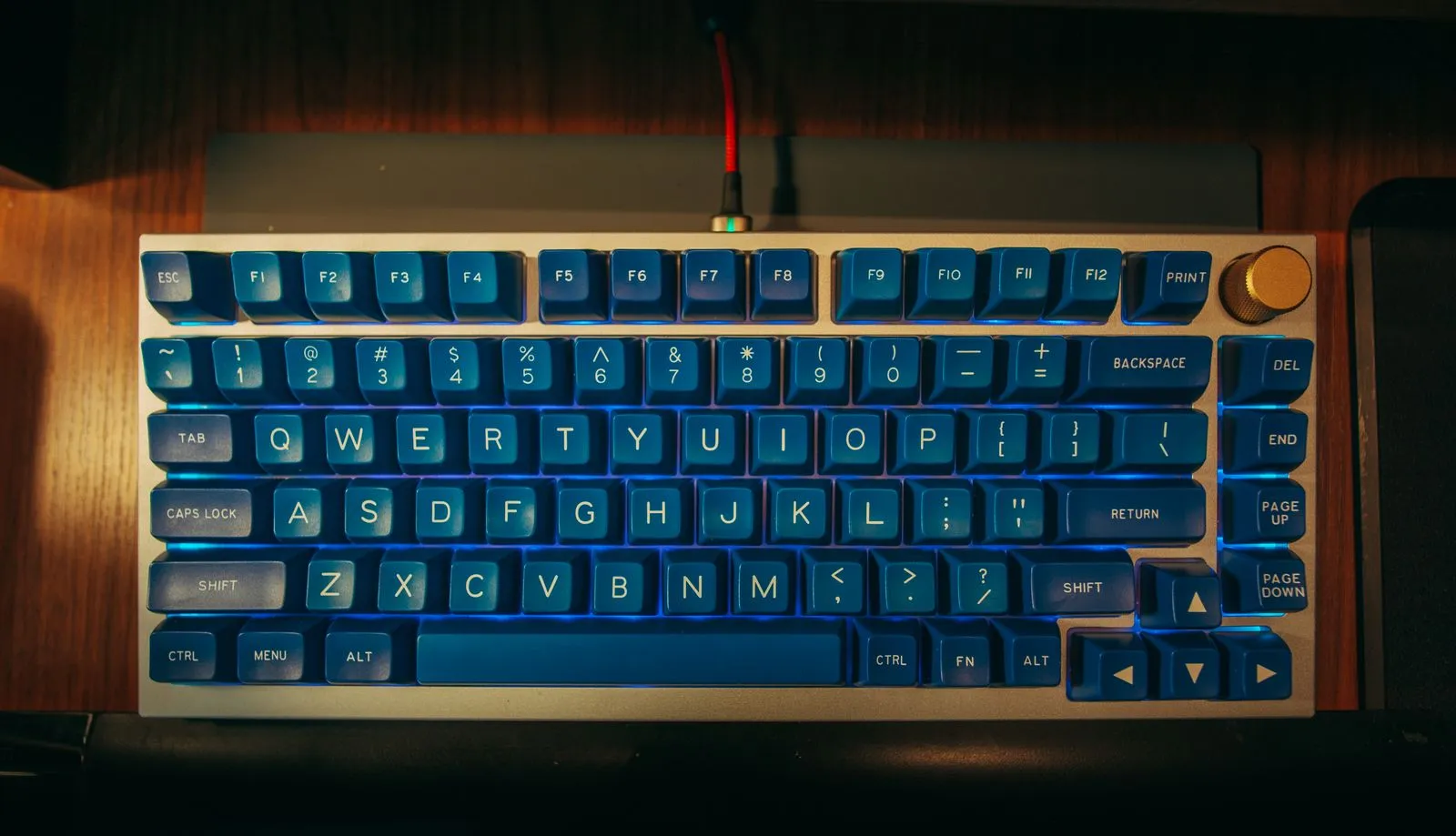
Every size is a trade: keys you give up for desk and shoulder room you get back. Here's the whole ladder, measured.
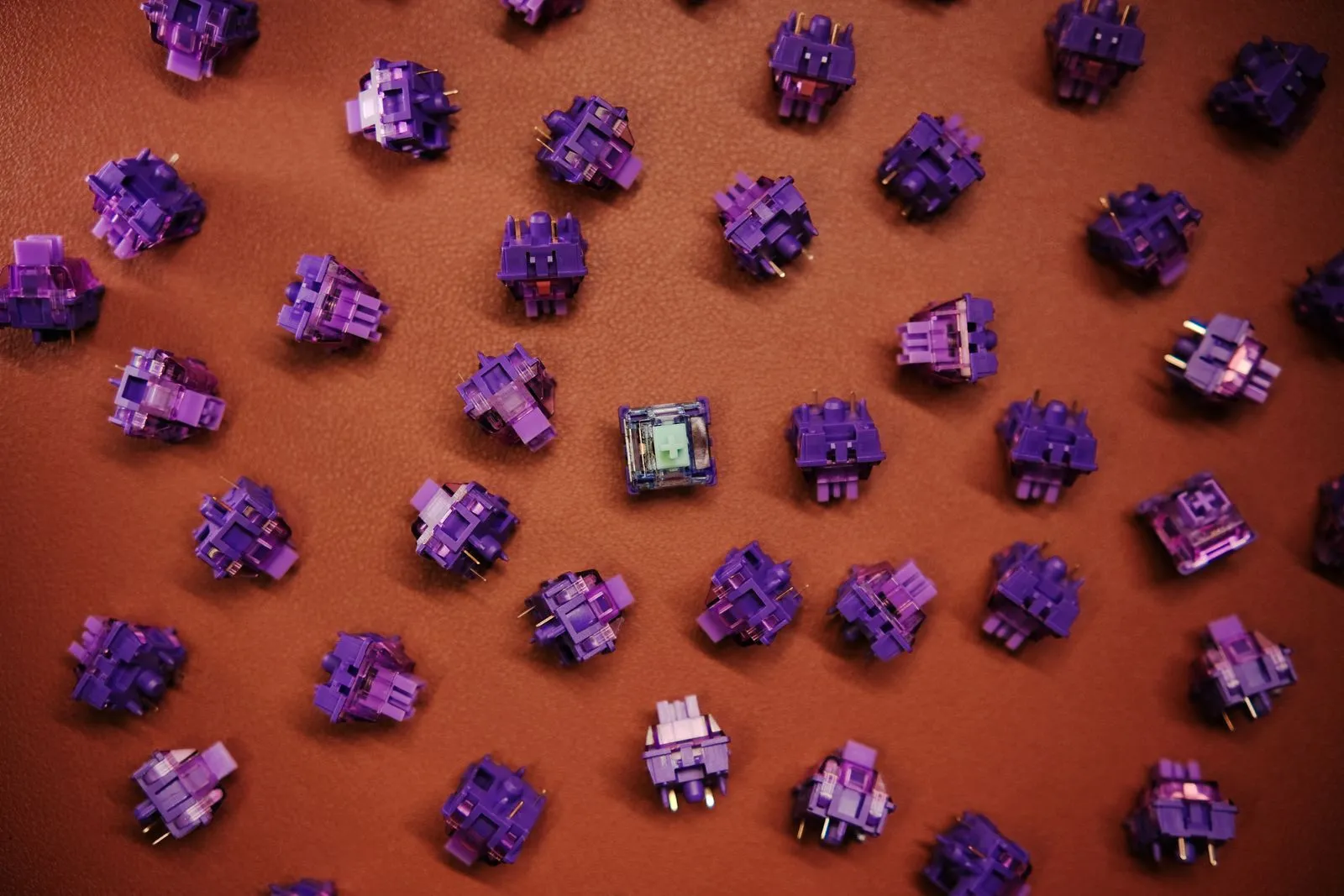
The colour name on the box means almost nothing. The numbers on the spec sheet tell you how a switch will actually type.
A mechanical keyboard is three choices stacked: how big the board is, what the switches feel like, and what the caps are made of. Almost everyone starts at the caps, because caps are the fun part. Then the set arrives and the right Shift is 2.75u and the board wanted 1.75u. Size, then switches, then caps. That order is free and it prevents the single most common mistake in the hobby.
Size deserves the most thought because it is the decision you cannot undo cheaply. A full-size board runs about 17 inches wide, a tenkeyless about 14, a 60 percent about 11.5. Those inches are shoulder room — your mouse ends up closer to your body. Whether you actually miss the number pad is a question about your job, not your taste, and the whole ladder of board sizes is easier to judge with the widths side by side.
19.05 mm is one key unit. Every layout, every cap, every mat is built on that grid. 6.25u is the standard spacebar, and the bottom row is where most keycap sets fail to fit a board, which is the thing a keycap buying guide exists to stop, and what the keycap compatibility checker works out for you. And actuation force in grams: 35 to 45 is light, 50 to 55 is where most stock switches sit, 62 and up takes a deliberate press. Colour names on the box tell you less than any of those three, which is why reading a switch spec sheet beats reading the packaging.
Switches decide feel and swapping them costs real money. Sound is different — it is mostly the empty space inside the case, and a few dollars of foam and tape move it a long way. Case foam, a PE sheet and the tape mod each change a separate part of the noise, and the order to try sound mods in matters because the first one you fit hides what the next one does. Honest caveat: foam will not save a board with rattling stabilisers. Nothing will except lubing them.
Pick a size. Buy a hot-swap board so switches stay a decision you can revisit. Leave caps until you know your bottom row. Then learn how to clean the thing properly, because a year of skin oil does more to how a board feels than any mod. If you are buying for someone else rather than yourself, gifts for keyboard people starts with taking a photo of their board, and the desk it sits on matters too — where things go on a small desk decides how much board you have room for.
We'd like to use Google Analytics cookies to see which guides get read. No ads, no selling data. Privacy policy.