
5 min read
Bias Lighting and LED Strips: How to Light the Wall Behind a Monitor
Light the wall behind the screen at 6500K, keep it dim, and buy a strip that reads as one clean line instead of a row of dots.
Subject
Nobody photographs their charger, and it is still the thing most likely to wreck an afternoon.
Light the wall behind the screen at 6500K, keep it dim, and buy a strip that reads as one clean line instead of a row of dots.
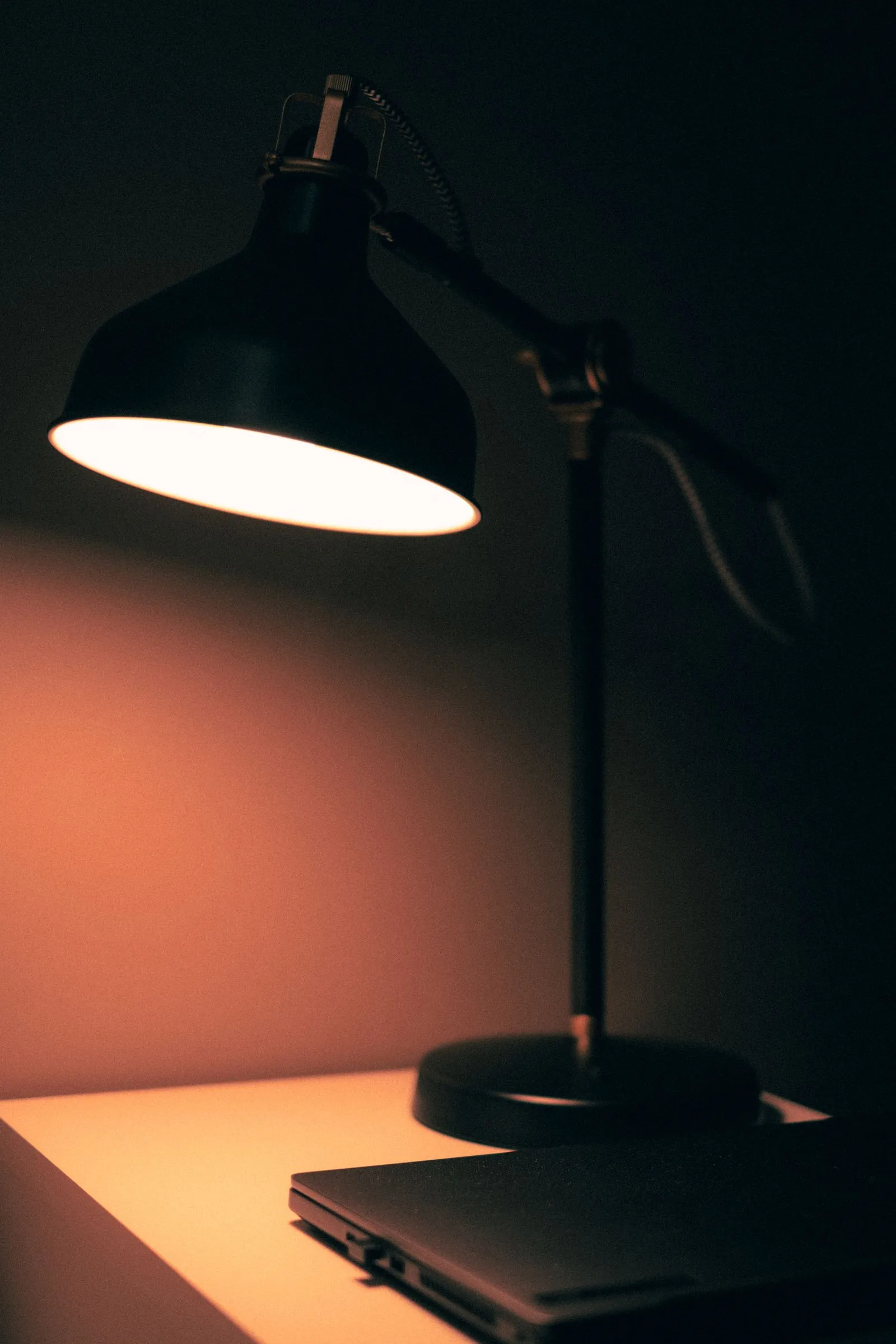
About 500 lux on the desk, a colour temperature that fits the hour, and the lamp on the side opposite your writing hand.
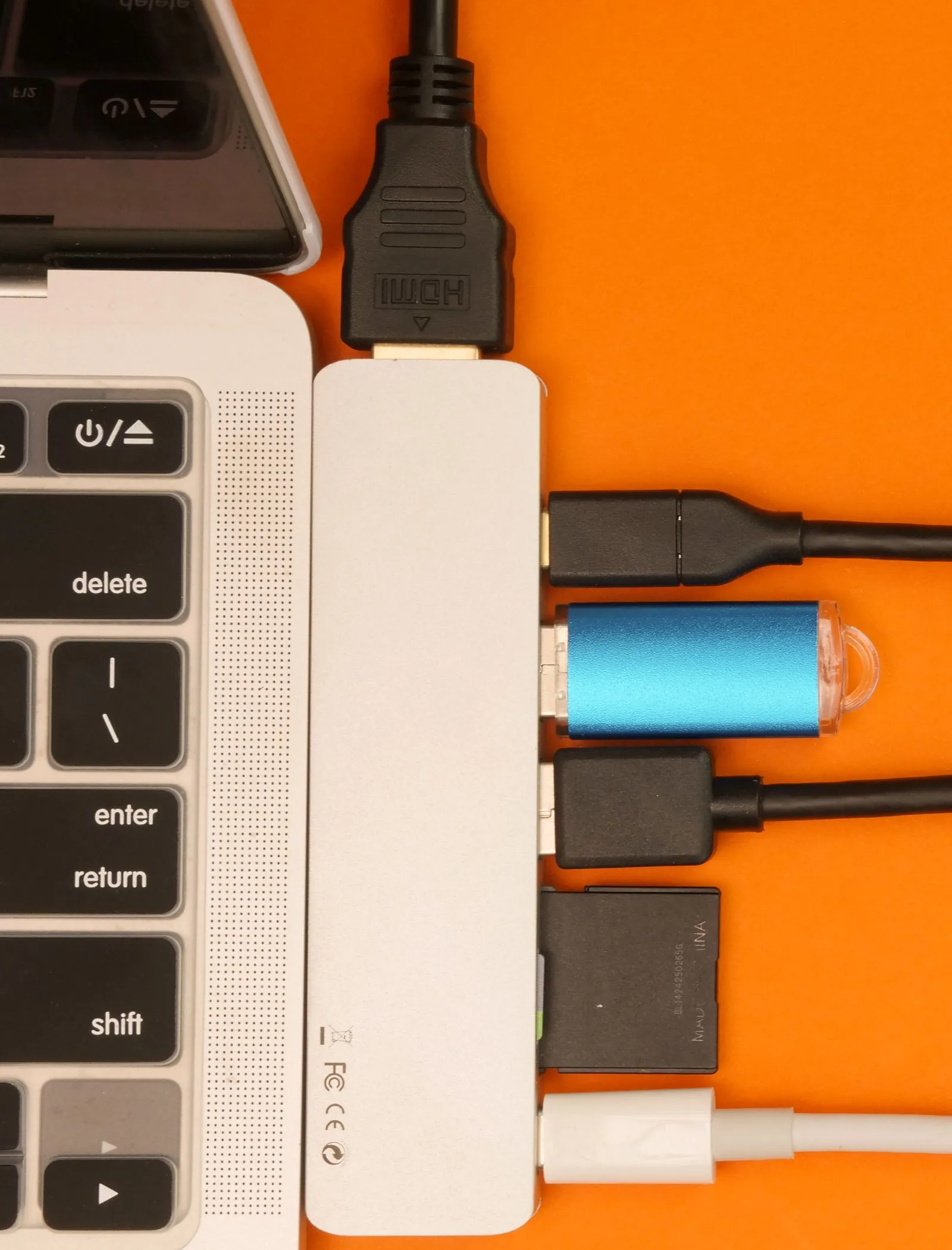
Most desk power problems come down to one hidden number: watts per port, watts the hub keeps, or watts the cable can carry.
Desk lighting is two separate problems. One is light on the work surface so your hands and anything on paper are actually visible. The other is light behind the screen so your eyes are not staring at a bright rectangle in a dark room. A single lamp cannot do both well, because the first wants light aimed down at the desk and the second wants it aimed at a wall.
The task side is the one with a standard behind it: about 500 lux on the surface, CRI 90 or better, and the lamp on the side opposite your writing hand so your own hand stops shading the work. That last one sounds fussy and it is the fix people notice first. Where to put a desk lamp covers the placement and the colour temperature question together, since the two interact.
The wall side is cheaper and gets ignored. A strip behind the monitor at 6500K, dim, reads as one clean line of light rather than a row of visible dots — the difference is COB versus SMD, and it is worth knowing before you buy, which is most of what a bias lighting setup gets wrong.
Three figures cover nearly everything on this pillar. 500 lux on the desk. 6500K behind the screen. And 85W of pass-through power, because a hub fed 100W does not hand 100W to your laptop — it keeps a slice. That gap between the input number on the box and the number that reaches the machine is where most desk power disappointment lives, and the four checks before buying a hub are all about finding the real figure.
Start with the lamp, because bad task light is the thing you feel by 4pm. Bias lighting second. Power last, unless something is currently failing, in which case power is first and everything else waits.
One honest caveat on hubs: a single cable to a laptop is genuinely tidy, and it also means one failure point for screen, network, keyboard and charge. Some people are happier with two cables. Either way the cables have to go somewhere, and running them properly under the desk is the same afternoon of work. Before any of it, check the desk itself — the measurements that decide a desk include whether there is depth behind the monitor for a lamp base at all.
We'd like to use Google Analytics cookies to see which guides get read. No ads, no selling data. Privacy policy.