Desk Lamp Guide: Brightness, Colour Temperature and Where to Put It
About 500 lux on the desk, a colour temperature that fits the hour, and the lamp on the side opposite your writing hand.
5 min read
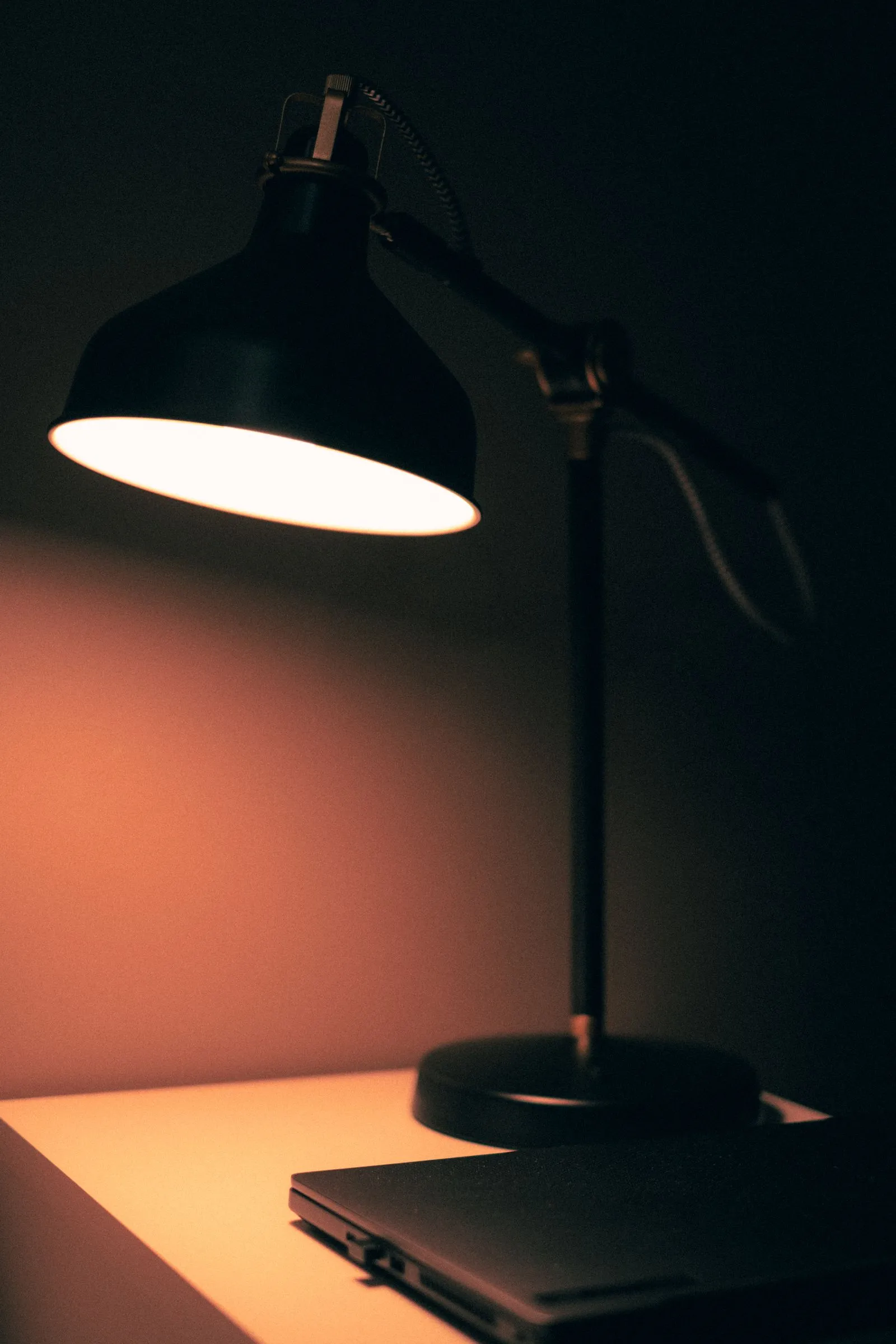
- On the work surface for reading and typing
- 500 lux
- Neutral white for daytime work
- 4000K
- Shows colours as they really are
- CRI 90+
- Lamp goes on the side away from your writing hand
- Opposite
Most desk lamps get bought on looks and then quietly fail at the job. Too dim, too blue, or parked on the wrong side so your own hand throws a shadow across whatever you’re doing.
The fix is five numbers and one placement rule. None of them are hard. Most lamp boxes print at least three of them, if you know where to look.
Measure brightness where the light lands
Lamp boxes quote lumens: how much light comes out of the bulb. What matters at a desk is lux: how much light lands on the surface. One lux is one lumen spread over a square metre, so the same lamp gives very different lux depending on how high the head sits and how wide the beam spreads.
The European workplace lighting standard, EN 12464-1, sets 500 lux for office tasks like writing, typing and reading. That’s a sensible target for a home desk too. Fine detail work, like soldering or small model painting, can use more.
You don’t need a light meter. A free light meter app on your phone gets close enough to tell a dim lamp from a good one. Lay the phone flat where you actually work and read the number.
| Reading on the desk | What it means |
|---|---|
| Under 300 lux | Too dim for sustained reading or detail |
| 300–500 lux | Fine for screen work, a bit low for reading |
| About 500 lux | The office standard for reading and typing |
| 750 lux and up | Detail work, small parts, fine print |
Phone sensors vary, so treat the number as a range, not gospel. If it reads 150, it’s dim. That part is reliable.
Pick the colour temperature for the hour
Colour temperature, in Kelvin, is how warm or cool white light looks. Lower is warmer and more orange. Higher is cooler and bluer.
| Kelvin | Looks like | Use it for |
|---|---|---|
| 2700K | Warm, like an old incandescent bulb | Evenings, reading after the laptop closes |
| 4000K | Neutral white | Daytime work, most of the time |
| 5000K | Cool, close to daylight | Fine detail and checking colours |
If a desk only gets one lamp, 4000K is the safe middle. Plenty of lamps now let you slide between warm and cool, which covers both ends of the day. The tradeoff: those usually hit their brightest output only at a middle setting, so check the spec before assuming full brightness at every temperature.
The specs worth shopping for
Four lines on the spec sheet separate a useful lamp from a decorative one.
- CRI 90 or higher. The colour rendering index scores how faithfully a light shows colours, out of 100. Below about 80, reds and skin tones go flat. At 90+ things look like themselves. Cheap LEDs cut corners here first.
- Around 4000K, or adjustable. See the table above.
- Dimmable. 500 lux at 2 pm is right. At 11 pm it feels like an interrogation.
- An arm that reaches. Measure from where the base will sit to the middle of your work area. The lamp’s horizontal reach needs to cover that distance, and the head needs to clear the monitor if the lamp sits behind or beside it. An arm that falls short puts the light on the wrong half of the desk.
A fifth, if you’re picky: flicker. Some cheap LED drivers flicker at a rate you can’t consciously see but a phone camera in slow-motion mode often can. Owners of low-flicker lamps tend to say it’s the spec they didn’t know they cared about.
Put it opposite your writing hand
This is the cheapest lighting fix there is. Right-handed? Lamp on the left. Your hand’s shadow falls away from the work instead of across it. Left-handed, flip it.
Two more placement rules help:
- Keep the bulb out of your eyes. Angle the head so you see the lit desk, not the glowing source. If you can see the LED from your chair, lower the head or tilt it.
- Watch the screen. A lamp aimed toward the monitor bounces glare straight back at you. Aim it down at the desk, slightly forward, and check the screen from your seat.
The caveat: if you mostly type and use a mouse, the hand-shadow rule matters less. The mouse hand is the one that casts the shadow worth avoiding.
Monitor light bar or desk lamp
A monitor light bar clamps on top of the screen and throws light forward and down onto the desk, with optics designed to keep it off the display. It takes zero desk space, which is the whole appeal on a desk that’s all keyboard and screen.
A desk lamp with a moving arm puts light wherever the work is. If you read, sketch, repair small things or write by hand, that flexibility matters more than the desk space.
| Monitor light bar | Desk lamp | |
|---|---|---|
| Desk space | None | A base, or a clamp |
| Where the light goes | A fixed strip in front of the screen | Anywhere the arm reaches |
| Screen glare | Designed to avoid it | Depends on how you aim it |
| Best for | Keyboard-and-screen desks | Desks with hands-on work too |
Plenty of setups end up with both: the bar for general light, a lamp for close work.
Coloured lighting: keep one neutral lamp
A desk lit entirely in red looks great in a photo and is hard to work under. Coloured light kills contrast and distorts every colour you’re trying to judge.
The fix is simple. Keep one neutral lamp, around 4000K and CRI 90+, for the actual work. Let the colour live on the wall and behind the monitor as the accent. You get the look and can still read a label.
The short version
- Aim for about 500 lux on the desk, the EN 12464-1 office figure. Check it with a phone app.
- 2700K for evenings, 4000K for daytime work, 5000K for colour and detail.
- Buy CRI 90+, dimmable, with an arm that reaches the middle of your work area.
- Put the lamp opposite your writing hand and keep the bulb out of your eyes.
- Light bar for screen-only desks, arm lamp if your hands do anything else.