Mechanical Keyboard Sizes Explained: Full, TKL, 75%, 65% and 60%
Every size is a trade: keys you give up for desk and shoulder room you get back. Here's the whole ladder, measured.
5 min read
- Width of a full-size board with number pad
- ~17 in
- Tenkeyless: the number pad is gone
- ~14 in
- A 60%, the smallest common size
- ~11.5 in
- How tall a full-height board stands
- 30–40 mm
Keyboard sizes come down to one question: what are you willing to give up for desk space? Every step down the ladder cuts a block of keys and hands the space back to your mouse hand.
The percentages are loose names, not a standard. A “75%” from one maker can be a few keys off another’s. So treat the table below as the usual shape of each size, then count the keys on the board you’re actually looking at.
The sizes, side by side
Widths are typical for the case, not just the keys. Cases with thick bezels run a little wider.
| Size | Typical keys | What it drops | Typical width |
|---|---|---|---|
| Full size (100%) | 104 | Nothing | 44–46 cm (17–18 in) |
| 96% (compact full) | 96–100 | The gaps between clusters; nav keys squeezed in | 38–40 cm (15–16 in) |
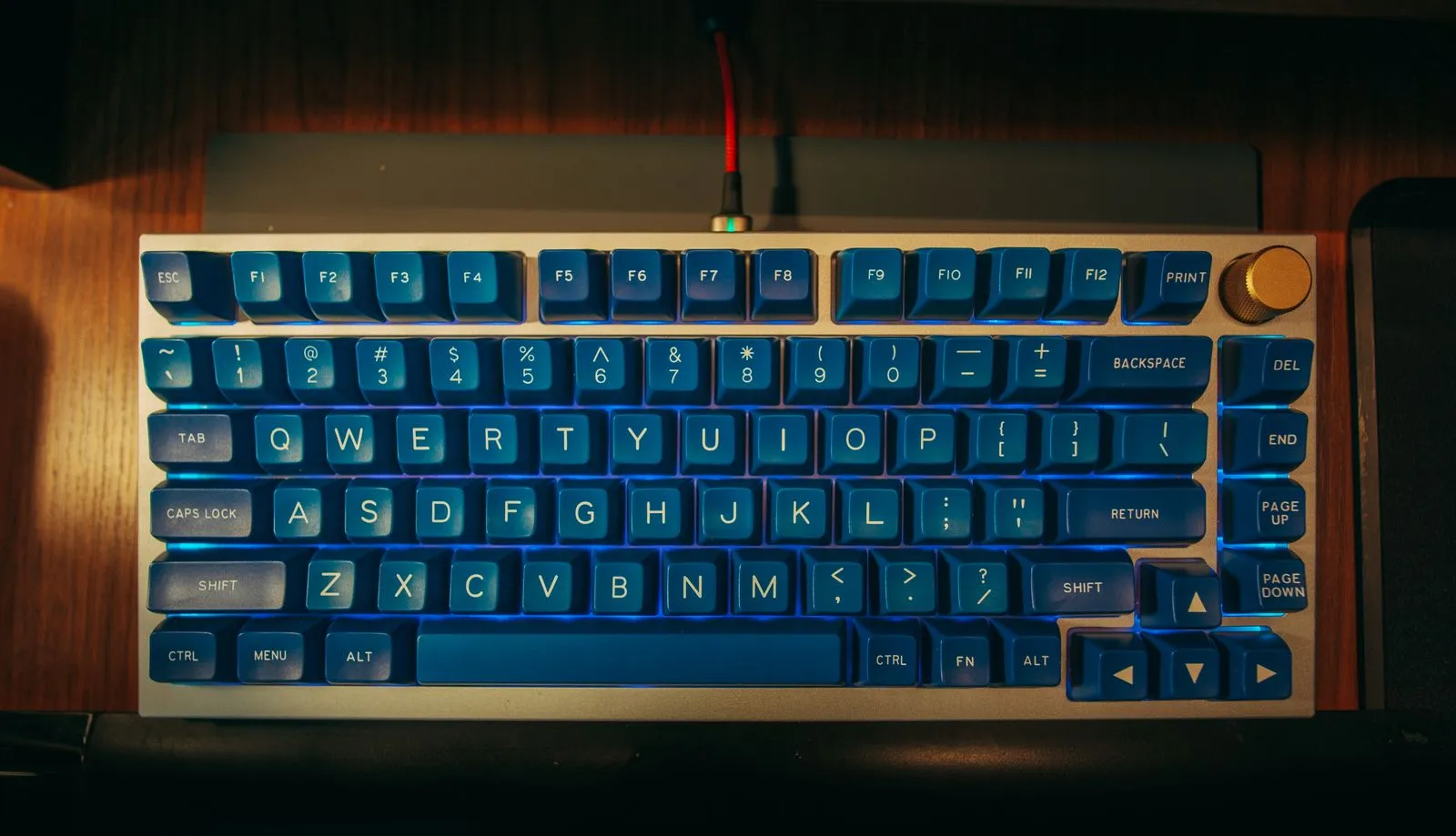
| TKL (tenkeyless, 80%) | 87 | The number pad | 35–37 cm (about 14 in) |
| 75% | 80–84 | Number pad; nav cluster folded into a column | 31–33 cm (12–13 in) |
| 65% | 66–68 | F-row too; arrows and a few nav keys kept | about 31 cm (12 in) |
| 60% | 61 | Arrows and nav keys too; they move to a function layer | about 29 cm (11.5 in) |
Key counts above are for ANSI layouts. ISO boards carry one extra key.
What the number pad actually costs you
The number pad is the widest single block on a keyboard, roughly 8–10 cm (3–4 in) once you count the gap beside it. On a full-size board your mouse sits that far further out to the right, which means your right arm spends the day angled away from your body.
Going tenkeyless is the change most people notice. The mouse comes in closer to your shoulder, and nothing you use for writing or code goes missing. If you do spreadsheets or data entry all day, the pad earns its space. A 96% is the compromise: it keeps the pad but closes up the gaps, so it lands a couple of inches narrower than full size.
Where it gets tight: 75%, 65% and 60%
Past tenkeyless, you’re choosing which keys live on a layer instead of their own switch.
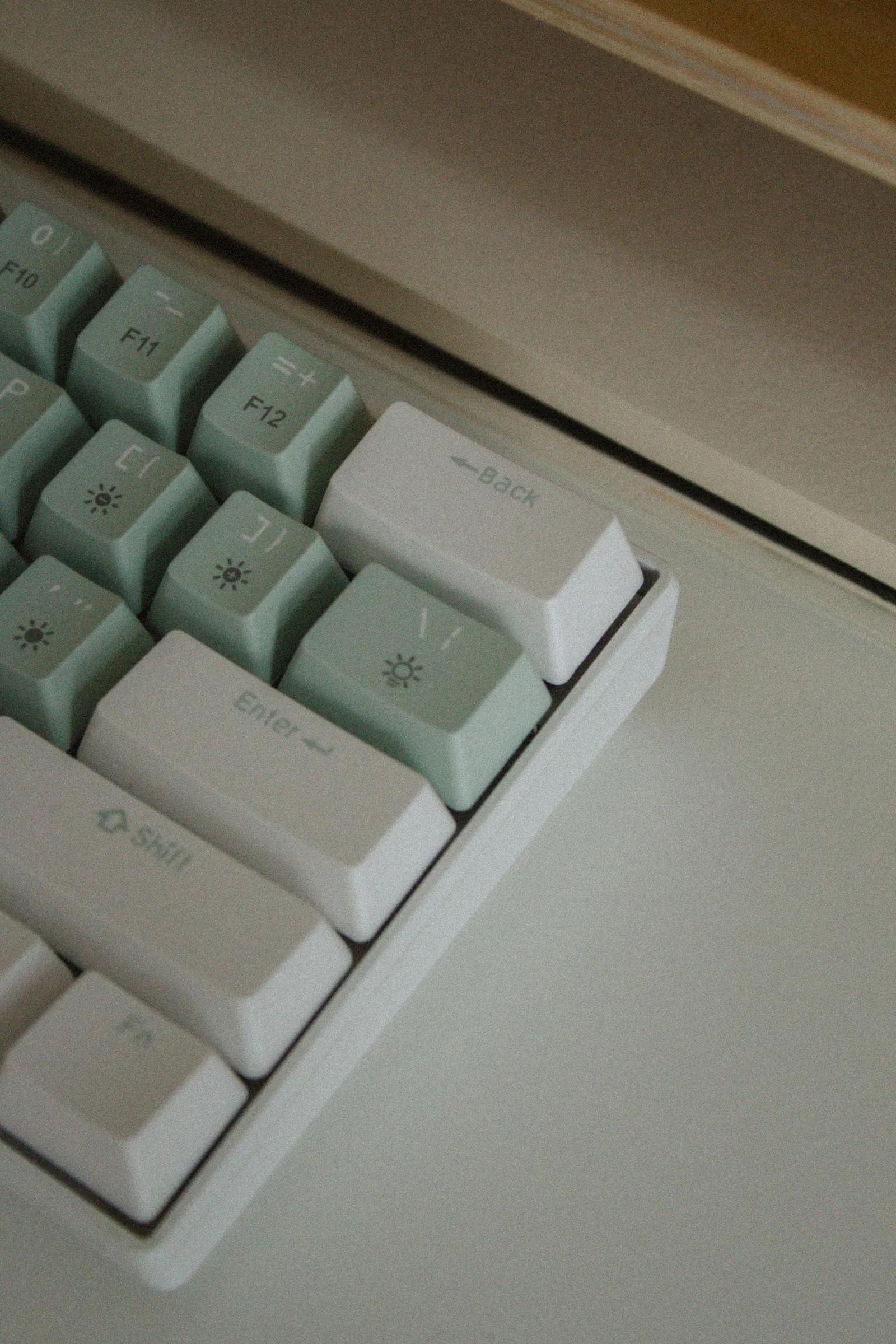
- 75% keeps everything a normal typist reaches for: F-row, arrows, and a column of Home, End, Page Up and Page Down. It’s the most popular enthusiast size for a reason. The catch is that the nav column is crammed against the right edge, so muscle memory from a full board takes a week to adjust.
- 65% drops the F-row. Arrows stay. If you use F-keys in a code editor or for shortcuts, you’ll hold a function key for every one.
- 60% drops the arrows too. Plenty of people love it for how little desk it takes. Plenty of others return it after a week of holding Fn to move a cursor.
The honest caveat: the difference in width between a 75% and a 65% is small, often under an inch. If you’re deciding between them, you’re deciding about the F-row, not desk space.
Low-profile or full-height
Size is width. Height is the other half, and it decides how your wrists sit.
| Type | Typical height at the back | Key travel | Wrist rest? |
|---|---|---|---|
| Full-height (standard switches) | 30–40 mm (1.2–1.6 in) | about 4 mm | Most people want one |
| Low-profile | around 20 mm (0.8 in) | usually about 3 mm | Often fine without |
Full-height boards have the bigger choice of switches and keycaps. The tradeoff is that your wrists bend up to reach them, which is why so many desks pair one with a rest. Low-profile boards feel closer to a laptop. Less travel, flatter hands, and far fewer compatible keycap sets, so check that before you buy if swapping caps is part of the plan.
Picking a wrist rest to match
If you go full-height, the rest should do one job: bring the heel of your hand up level with the front edge of the keyboard.
- Measure your board’s height at the front edge, where your fingers meet the bottom row.
- Pick a rest that sits at that height or a hair below it. Too tall and you’re pressing up into the keys.
- Match the width to the keys, not the desk. A full-size board wants about a 44 cm (17 in) rest; a 65% or 60% wants about 30 cm (12 in).
- Rest on it between bursts of typing. Leaning on it mid-sentence pins your wrists in place.
Wood and foam both work. Height is what matters.
Hot-swap or soldered
Worth knowing before you settle on a size. Hot-swap boards have sockets, so switches pull out with a switch puller and new ones press in. No soldering iron. Soldered boards have fewer parts to wear, but changing switches means desoldering every one.
If you’re still working out which switches you like, go hot-swap. Check whether the sockets take 3-pin or 5-pin switches. A 5-pin board takes either; a 3-pin board needs the two extra plastic legs clipped off 5-pin switches.
Wired, 2.4 GHz or Bluetooth
Most wireless mechanical boards now do all three, so it’s really about which to use when.
| Connection | Lag | Good for | Downside |
|---|---|---|---|
| Wired (USB-C) | None worth measuring | Games, a desk that never moves | A cable to route |
| 2.4 GHz dongle | Close to wired | Games, a clean desk | Uses a USB port; needs charging |
| Bluetooth | A few milliseconds more | Switching between laptop, tablet, phone | Slower to wake; not ideal for games |
Many boards remember three or more Bluetooth devices and switch with a key combo. Battery life varies hugely with backlighting, from days with it on to months with it off, so read the spec with the lights off and on.
The short version
- Tenkeyless is the size most people should start with: nothing lost for typing, mouse much closer.
- 75% if you want smaller and still keep the F-row and arrows.
- 65% and 60% trade keys for layers; be honest about how much you use arrows and F-keys.
- Full-height boards usually want a wrist rest set level with the front edge.
- Buy hot-swap if you haven’t settled on a switch yet.