Keycap Buying Guide: Plastic, Legends, Profiles and Sizes
Most keycap regret comes from one thing: a set that doesn't cover your bottom row. Here's what to check, from plastic to spacebar.
4 min read
- One key unit (1u), centre to centre
- 19.05 mm
- The standard spacebar on most boards
- 6.25u
- Right Shift on full layouts; often 1.75u on 65% and 75%
- 2.75u
- The plastic that stays matte
- PBT
A new keycap set is the cheapest way to change how a keyboard looks, and a real part of how it feels. It’s also easy to get wrong. Sets are sold by plastic, legend method, profile and a list of key sizes, and the last one is where most returns come from.
Work through it in this order: will it fit, then what it’s made of, then how it looks.
Plastic: ABS or PBT
| ABS | PBT | |
|---|---|---|
| Surface | Smooth | Slightly grainy, matte |
| Shine with use | Most-used keys go glossy over months | Resists shine much longer |
| Colour | Bright, saturated | Slightly muted |
| Sound | Higher pitch | Deeper, more muted |
| Typical set price | $25–60 | $35–120 |
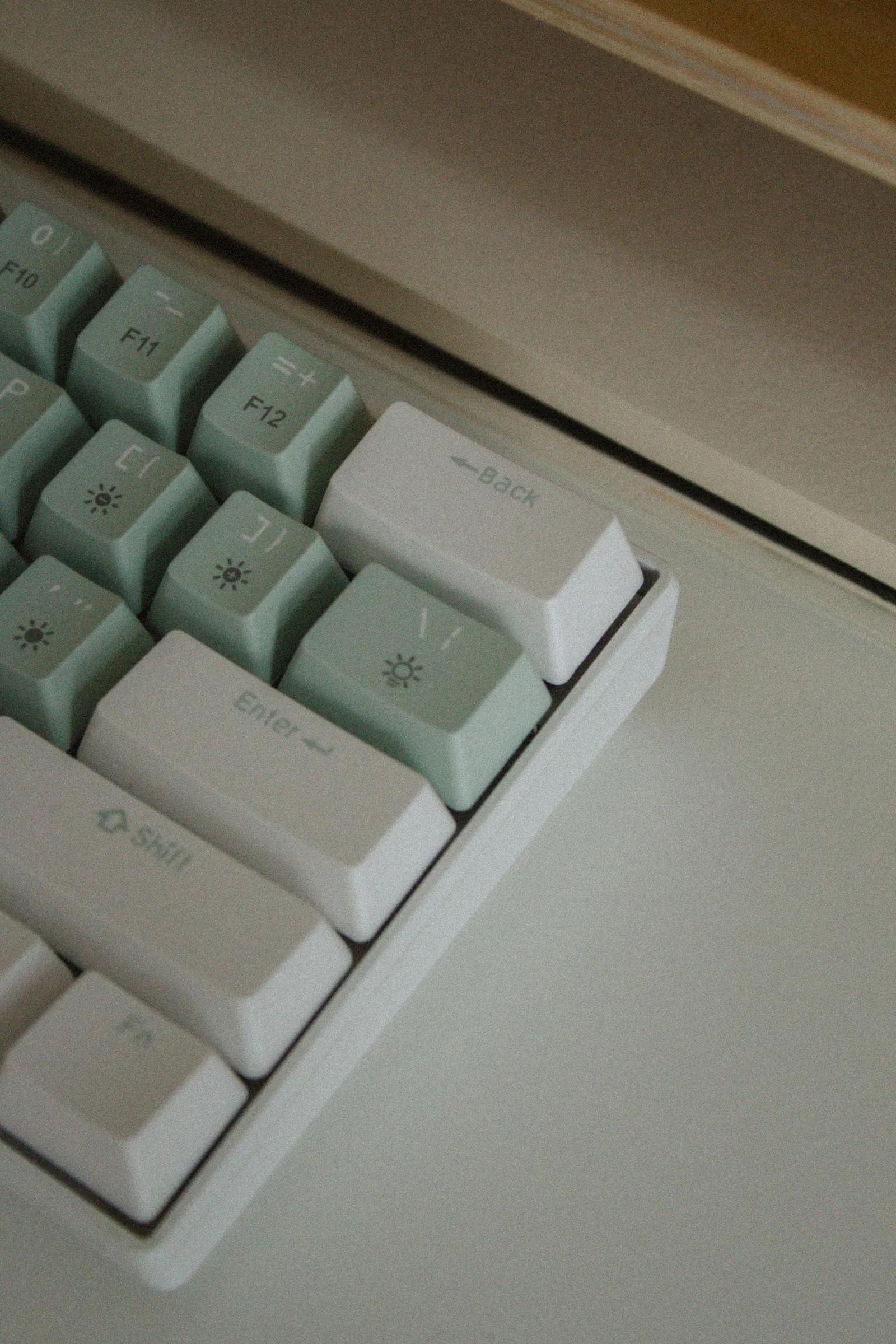
PBT is harder and keeps its texture, which is why it’s the usual pick for a set you’ll keep. It’s also why pastels tend to come in PBT: the colours stay matte instead of turning shiny where fingers rest. ABS takes brighter colour and very crisp legends. Thick, well-made ABS is fine; the shine is the tradeoff you accept.
Legends: how the letters get there
Doubleshot legends are moulded from a second piece of plastic, so they go all the way through. They can’t wear off and they work in any colour combination, including light letters on dark caps. Most doubleshot sets are ABS, since PBT is harder to mould this way.
Dye-sub legends are dyed into the plastic. Also permanent, also crisp, but only as dark ink on a lighter cap. You won’t see white letters on black in dye-sub.
Pad-printed or laser-etched legends sit on or just into the surface. They’re common on cheaper stock caps and they’re the ones that fade.
Both doubleshot and dye-sub will outlast the board. Pick by the colours you want.
Where the legends sit
- Top-printed: easiest to read. The safe pick for most people.
- Front-printed (also called side-printed): letters on the front face, tops left clean. A minimal look, but you can’t see them under your fingers.
- Blank: the cleanest look, for confident touch typists only.
Shine-through or solid
Shine-through caps have translucent legends that glow with the backlight. Solid caps block it, so only the gaps between keys glow. If your board has no backlight, this makes no difference at all. Most enthusiast sets are solid; most shine-through caps are ABS.
Profiles: sculpted or flat
Profile is the shape of the cap from the side.
| Profile family | What it’s like | Swap keys between rows? |
|---|---|---|
| Low sculpted | Each row angled toward your fingers; the shape most stock boards ship with | No |
| Tall sculpted | Same idea, higher caps with deeper dishes; a retro look | No |
| Uniform / flat | Every row the same height and angle | Yes, anywhere |
Sculpted feels familiar to most typists, and a key only fits its own row. Uniform lets you rearrange freely, which is handy for alternate layouts. It takes a day or two to get used to. Tall profiles add height, so a full-height board with tall caps may want a taller wrist rest.
Unit sizes: what the “u” means
Keycaps are measured in units. 1u is one letter key, 19.05 mm (0.75 in) centre to centre. Everything else is a multiple.
| Size | Usual keys (ANSI) |
|---|---|
| 1u | Letters, numbers, F-keys, arrows |
| 1.25u | Ctrl, Win, Alt, Fn on most bottom rows |
| 1.5u | Tab, Backslash; bottom-row mods on some boards |
| 1.75u | Caps Lock; right Shift on many 65% and 75% boards |
| 2u | Backspace, number pad 0 |
| 2.25u | Enter, left Shift |
| 2.75u | Right Shift on full and TKL layouts |
| 6.25u | Standard spacebar |
| 7u | Spacebar on some boards with 1.5u bottom-row mods |
ANSI or ISO
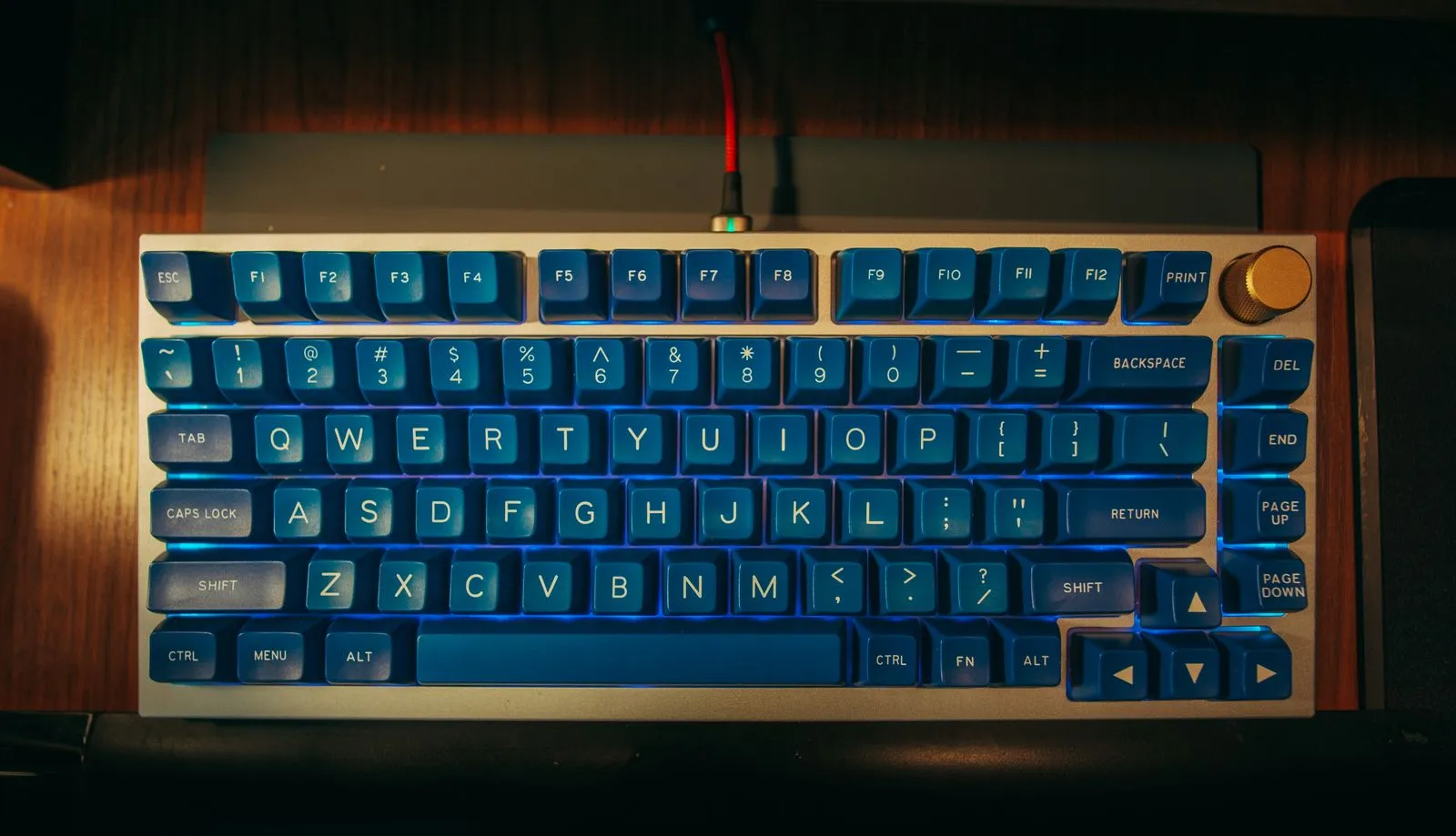
Look at the Enter key. ANSI has a wide, one-row Enter and a long left Shift. ISO has a tall Enter shaped like an upside-down L and a short left Shift with an extra key beside it. Most keycap sets are built for ANSI first. ISO owners should look for an ISO add-on kit and confirm it’s in stock.
Four checks before you buy a set
- Spacebar: 6.25u fits most boards. If yours is 7u or split, check the set includes it.
- Right Shift: 2.75u on full layouts, often 1.75u on 65% and 75% boards.
- Bottom row: count the modifiers and measure them. 1.25u or 1.5u, and compact boards often put three 1u keys to the right of the spacebar.
- Layout: ISO Enter? Look for the add-on kit.
The quickest method is a photo of your own board next to the set’s kit diagram. Also confirm the stem: cross-shaped stems fit most boards. Low-profile boards usually need their own caps.
Getting the old caps off
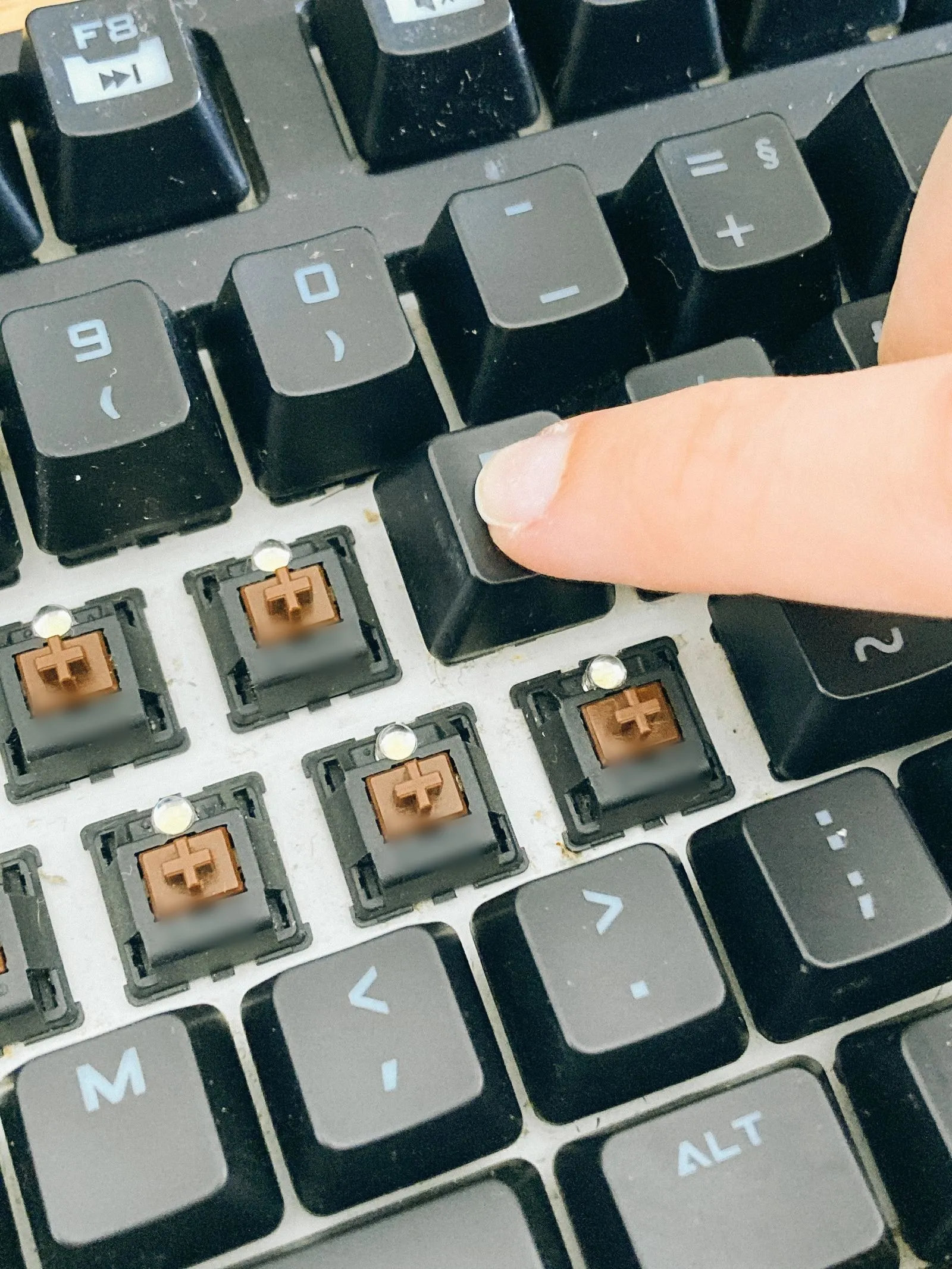
A wire puller hooks under two corners and lifts straight up. A plastic ring puller clamps the sides, and that’s where scuffs come from on softer caps. For caps you care about, go wire, and lift long keys like the spacebar evenly from both ends so the stabilizer doesn’t bend.
The short version
- Check fit first: spacebar, right Shift, bottom row, ANSI or ISO.
- PBT if you hate shine; ABS if bright colour matters most.
- Doubleshot or dye-sub legends won’t wear off; printed ones can.
- Sculpted keys fit one row only; uniform keys go anywhere.
- Use a wire puller, not a ring.